
HMI touch panel PCs and screens
An HMI is the screen an operator runs a machine or a process from. STX Technology HMIs are touch panel PCs, touch monitors, thin clients and web browser terminals, 8.4" to 55", in a panel-mount cut-out, on a VESA arm or in a 19" rack, with serial, CAN bus, M12 and network boot options.
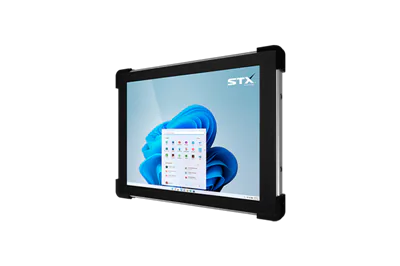
An HMI at the machine
An HMI shows start and stop, set points, alarms, recipes and counts, and takes the operator's touch. The panel PCs below run the HMI software on the machine; a thin client or web browser terminal shows an HMI served from your SCADA, PHP or Microsoft IIS server, with network (PXE) boot so one product suits almost any machine.
Each range is chosen size by size with the options the machine needs: up to 8 × RS232, RS422 / RS485, CAN bus, high-speed serial to 3 Mbaud, up to 3 or 4 × Ethernet, M12 automation connectors, Wi-Fi and Bluetooth. Resistive touch for gloves, PCAP for a glass front. Windows 11 IoT Enterprise LTSC, Windows 11 Pro, Windows 10 IoT Enterprise LTSC or Linux (Ubuntu or Linux Mint), or Android 13 on ARM.
Panel PCs used as HMIs
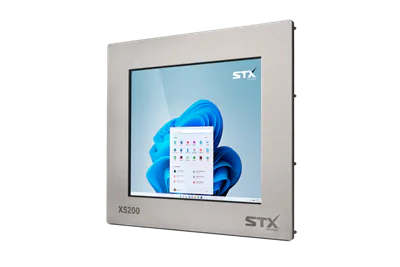
X5200 stainless panel mount PC
10.1" to 24"
Choose optionsX7700 stainless panel mount PC, PCAP
10.1" to 24"
Choose options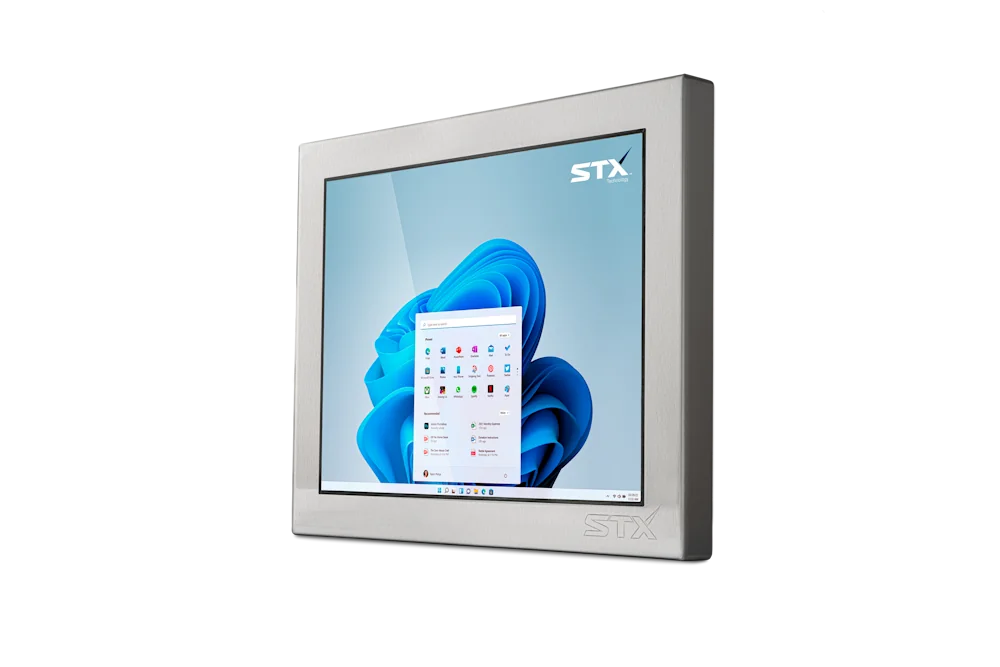
X7200 stainless panel PC
8.4" to 27"
Choose options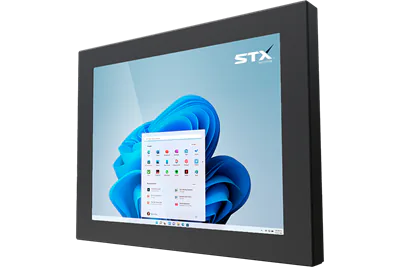
X7300 aluminium panel PC
8.4" to 27"
Choose options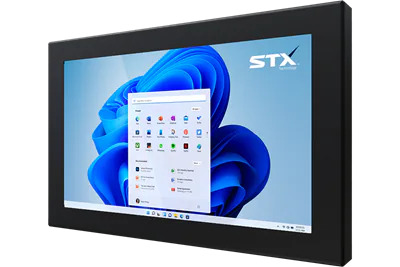
X7600 aluminium waterproof panel PC
8.4" to 27"
Choose options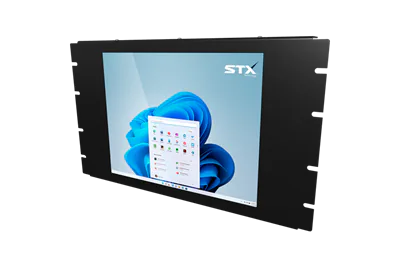
X5400 rack mount touch PC
12.1" to 18.5"
Choose optionsThin client and web HMIs
HMI questions
Can it replace a Beckhoff or Siemens HMI?
Often, yes. Tell us the model and its cut-out, mounting and connections, and we say which STX Technology size and options match. The X5200 and X7700 panel mount with a gasket; the X7200, X7300 and X7600 take panel mount as an option.
Which touch type for an HMI?
Resistive works with gloves, wet hands and any stylus. PCAP is a glass front, multi-touch and easy to clean. Both are offered on the X5200, X7200, X7300, X7600 and X5400; the X7700 is PCAP only.
Does it run our HMI software?
The panel PCs run Windows 11 IoT Enterprise LTSC, Windows 11 Pro, Windows 10 IoT Enterprise LTSC or Linux (Ubuntu 20.04, 22.04 LTS or 24.04, Linux Mint 22) on Intel Generation 11, or Android 13 on ARM. Thin clients and web browser terminals run the HMI from your server.
Choosing an HMI?
Tell us the machine, the cut-out or mounting and the software. A technical person comes back with the sizes and options that fit. Short lead times. The quote states the date, and we work with you on timing.
Talk to our Australian team.
Tell us where it has to work and what it has to do, for a quick reply.
STX Technology worldwide
Talk to our Australian team, with STX Technology in New Zealand, Australia, the UK and North America.